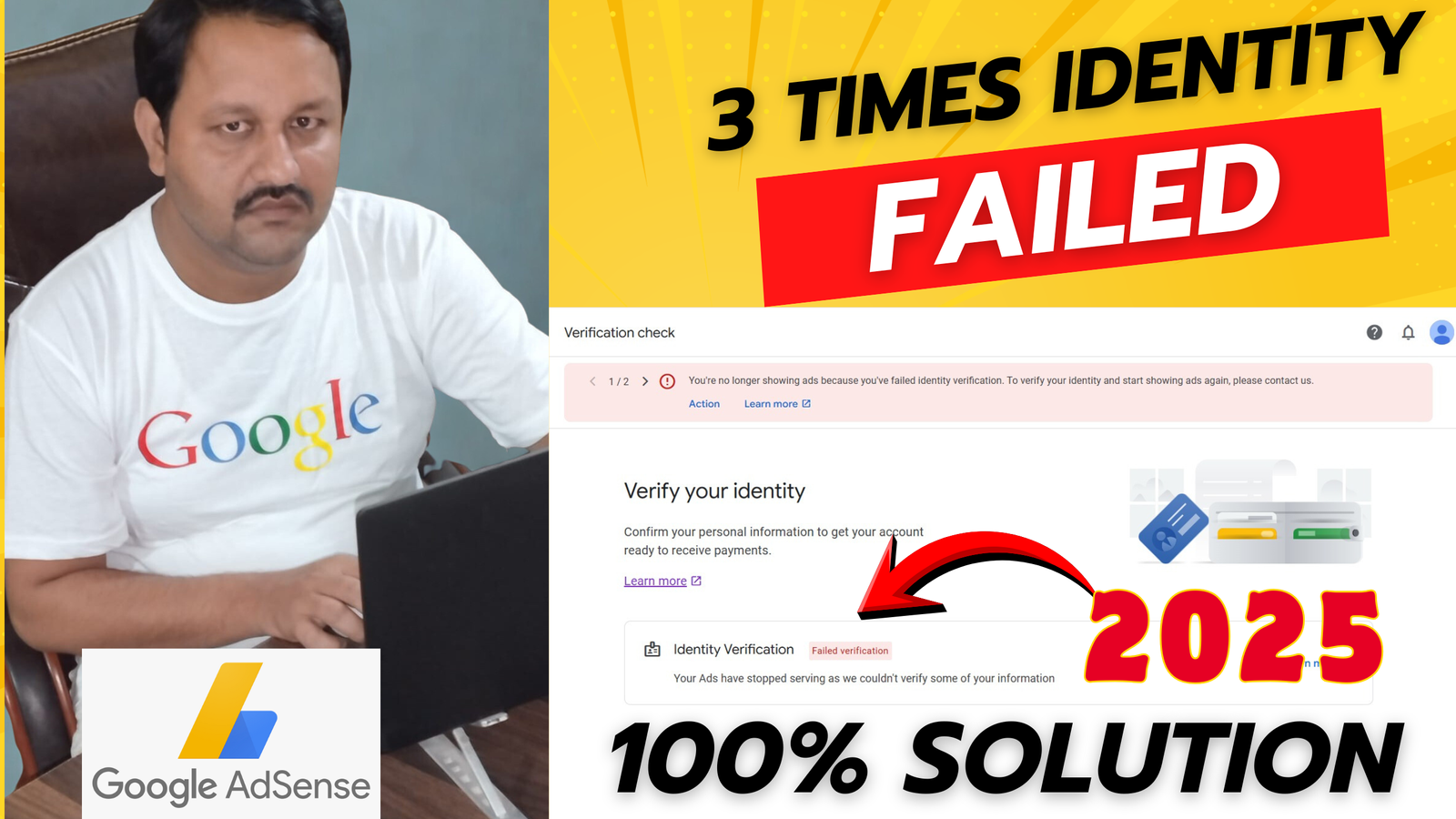
If you are using Google AdSense to monetize your website, you might have encountered a problem where your AdSense Identity Verification fails. This can be frustrating, especially if you rely on AdSense for your earnings. Don’t worry, this guide will help you understand why this happens and how to fix it step by step.
What is AdSense Identity Verification?
AdSense Identity Verification is a process by Google to confirm that you are a real person and not a fake account. This step is required to comply with legal rules and ensure that AdSense payments reach the correct account holder. Google asks for government-issued ID documents such as a passport, driver’s license, or national ID card.
Why Does AdSense Identity Verification Fail?
There can be several reasons why your AdSense Identity Verification fails. Here are some common ones:
- Incorrect Name or Address: The name on your ID must exactly match the name you used in your AdSense account.
- Blurry or Low-Quality ID: Google requires a clear and readable document.
- Expired ID: Using an expired ID can cause verification failure.
- Wrong Document Type: Google may reject documents that don’t match their accepted list.
- Technical Issues: Sometimes, browser problems or server issues can prevent successful uploads.
How to Fix AdSense Identity Verification Failed
Here are the steps you can follow to fix this issue:
1. Check Your Account Information
Before uploading your ID again, make sure your AdSense account details are correct. Go to your AdSense account and check your name, address, and contact details. They must match your government-issued ID.
2. Use a Valid ID
Google accepts several forms of ID, including:
- Passport
- National ID card
- Driver’s license
Make sure the document is valid, not expired, and clearly shows your full name and photo.
3. Take a Clear Photo of Your ID
When uploading your ID, ensure:
- The ID is fully visible
- The text and photo are clear
- No reflections, glare, or shadows
- All four corners of the ID are visible
You can use your phone camera in good lighting to capture a high-quality image.
4. Upload the Correct File Format
Google AdSense usually accepts JPEG, PNG, or PDF. Make sure the file size is not too large. A size of less than 2MB is ideal.
5. Re-upload Your ID
After checking all details, log in to your AdSense account and go to Payments > Identity Verification. Click on Upload ID and submit the correct document.
6. Wait for Google Review
After uploading, Google usually takes 3–5 days to review your ID. You will get an email notification once it’s verified. During this time, avoid uploading multiple times as it may delay the process.
Extra Tips to Avoid Future Verification Failures
- Use Official Documents Only: Do not use school ID, work ID, or any unofficial documents.
- Match Your Name Exactly: Even small differences, like initials or accents, can cause failure.
- Keep Your Account Updated: Make sure your address, phone number, and other personal info are current.
- Avoid Editing the ID: Don’t crop or edit the image excessively. Google can detect it and may reject it.
- Use Desktop for Uploads: Sometimes, mobile browsers may have compatibility issues.
Common Questions About AdSense Identity Verification
Q1. Can I use my driver’s license for verification?
Yes, Google accepts driver’s licenses, passports, and national ID cards. Make sure it’s valid and not expired.
Q2. How long does it take for Google to verify my ID?
Usually, it takes 3–5 business days, but it can take longer if Google needs additional verification.
Q3. Can I change my name in AdSense after verification failure?
Yes, but you need to contact Google AdSense support before uploading a new ID.
Q4. Will multiple failed attempts block my account?
Repeated failed uploads may temporarily block ID verification. It’s better to carefully check your documents before re-uploading.
Conclusion
AdSense Identity Verification is a crucial step to ensure your account is safe and payments reach you. If it fails, the main reasons are usually mismatched details, poor document quality, or expired IDs. By following the steps above—checking your account, using a valid ID, taking a clear photo, and uploading the correct file—you can easily fix this issue.
Remember to stay patient after uploading your ID, and avoid multiple unnecessary uploads. For more official guidance, you can visit Google AdSense Help Center.
Fixing AdSense Identity Verification might seem tricky at first, but once you understand the requirements and follow the process carefully, your account will get verified, and you can continue earning without any interruptions.
You May Also Like to Read This
Google AdSense Earning – How to Get Traffic and Make Real Income from Google AdSense