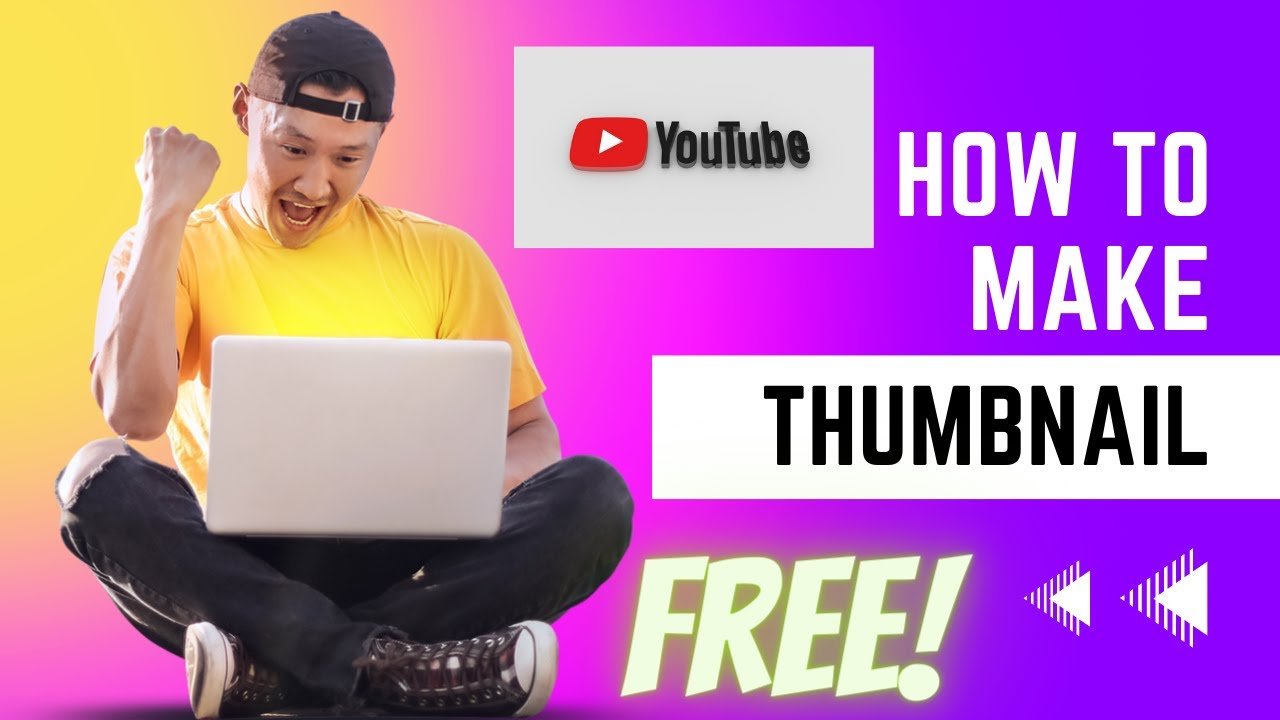
How to Make Free Thumbnails
If you want more views and clicks on your YouTube videos, your thumbnail matters more than anything else. A good thumbnail makes people stop scrolling and tap your video. In 2023, you don’t need a laptop or expensive software to design professional thumbnails. You can easily make stunning and click-worthy thumbnails right from your mobile phone using free apps. In this article, I’ll explain how to make thumbnails for free, which apps are best, and how to design them step by step.
1. What Is a YouTube Thumbnail and Why It’s Important
A thumbnail is the small image that appears on your video before someone clicks on it. It acts like a mini-poster or cover photo. When your thumbnail looks attractive, people feel curious to watch your video. YouTube creators use catchy thumbnails to increase their CTR (Click-Through Rate). A high CTR means more people are watching your content, which helps your video rank higher. So, if you want to grow fast on YouTube in 2023, learning how to make great thumbnails is a must.
2. Best Free Apps to Make YouTube Thumbnails on Mobile
There are many apps you can use for free. Here are some of the most popular ones: Canva – It’s the most popular free app for thumbnail design. You can use ready-made templates, add text, and customize everything easily. Pixellab – Great for adding stylish fonts, 3D text, and glow effects. PicsArt – Perfect if you want to edit your picture and background together. Snapseed – Made by Google, best for professional photo editing. Adobe Express – A lightweight app with free templates and export options. All of these apps are available for Android and iPhone, and you can use them without paying anything.
3. Thumbnail Size and Resolution
Before you start designing, make sure you use the correct thumbnail size. YouTube recommends 1280 × 720 pixels with a 16:9 aspect ratio. The file size should be under 2MB, and you can upload images in .JPG, .PNG, or .GIF format. Following the right size keeps your thumbnail sharp and prevents blurry results. (Official YouTube support link)
4. Step-by-Step Guide to Make Thumbnails on Mobile
Let’s go through the simple steps to make a professional thumbnail using Canva (you can do the same in Pixellab or PicsArt). Step 1: Open the Canva app and create a new design with 1280 × 720 pixels. Step 2: Choose a background — you can upload your own image or use a solid color. Bright colors like yellow, red, or blue work best. Step 3: Add your main image.
If your video has your face in it, crop your picture and remove the background using the app’s “remove background” option. Step 4: Add bold text that tells what your video is about. Use easy-to-read fonts and keep the words short. Step 5: Add icons, arrows, or emojis to attract attention. Step 6: Adjust brightness and contrast to make your design pop. Step 7: Save your thumbnail as a PNG file for better quality. Your thumbnail is now ready to upload.
5. Tips to Design Eye-Catching Thumbnails
A good thumbnail tells a story without needing to read the title. Follow these easy design tips: use your face if possible — human faces get more clicks. Keep your text short — 3 to 5 words only. Use high contrast colors so your image stands out. Highlight key words like “Free,” “Tutorial,” or “2023.” Don’t make it too crowded — simple designs perform better. Maintain a consistent style in all your thumbnails so your channel looks professional. And always use your brand colors to make your channel recognizable.
6. Common Mistakes to Avoid
New creators often make these mistakes while creating thumbnails. They use small text that’s hard to read on mobile. They choose dull colors that blend with the background. They add too many words or objects making the design messy. They forget to use proper dimensions, causing blurry uploads. They copy other creators’ thumbnails, which looks unoriginal. Avoid these mistakes and focus on clean, bright, and simple designs that grab attention instantly.
7. How to Upload Thumbnails on YouTube Mobile
You can upload custom thumbnails directly from your phone. Open the YouTube Studio app, select your video, tap on the pencil icon, and choose “Edit Thumbnail.” Then upload the image you created. Make sure your account is verified, otherwise you can’t upload custom thumbnails. You can verify your account easily through YouTube Studio settings. Once done, your new thumbnail will appear instantly on your video.
8. How to Get More Clicks with Thumbnails
Even a small change in thumbnail design can boost your views. Always A/B test your thumbnails. Try two different designs for the same video and see which one gets more clicks. YouTube’s analytics in the Studio app shows your CTR percentage — anything above 5% is great. If your CTR is low, change the thumbnail or text color. Use emotions, expressions, or action shots to attract attention. Combine this with good titles and tags to make your videos perform better.
9. Use SEO and Social Media Together
Creating thumbnails is only part of YouTube growth. To get more reach, you must also promote your videos. Share your videos on Facebook, Instagram, and WhatsApp groups. Use ads if you can to get extra reach — you can learn that here: 👉 How to Create Facebook Ads Also, make sure your YouTube SEO is correct — write good titles, add tags, and use descriptions that match your video content. Better SEO means more impressions, and more impressions mean your thumbnail gets seen by more people.
10. How to Monetize Your Channel Faster
Once your thumbnails and videos start bringing traffic, you can apply for YouTube monetization. To get approval, you need 1,000 subscribers and 4,000 watch hours. You can also use a blog to increase your income. Many creators use their blog to promote videos and earn through ads. If you want to learn how to get AdSense approval for your website, check this helpful guide: 👉 Instant AdSense Approval Guide Using both a blog and YouTube helps you earn from multiple sources — AdSense, affiliate marketing, and sponsorships.
11. External Tools You Can Try
Apart from mobile apps, you can also try online tools for quick designs. Fotor, Snappa, and Adobe Express Online offer free templates for YouTube thumbnails. These tools save your work automatically and let you download HD versions for free. They also provide access to millions of stock images and fonts to improve your design. (Fotor YouTube Thumbnail Maker)
12. Final Tips to Make Free Thumbnails
Always spend time on your thumbnail before uploading a video. Even the best video won’t perform well if the thumbnail is weak. Check what successful creators in your niche are doing — learn from their color choices and layouts. Don’t copy directly, just take inspiration. Keep testing new designs until you find what works best for your channel. Remember, YouTube is a visual platform, and a good thumbnail is your first impression. Make Free Thumbnails
Final Words
Make free thumbnails on mobile is easy, fast, and fun. You don’t need expensive software or graphic design skills. Just a smartphone, a creative idea, and one of the free apps mentioned above. Practice a little every day and your designs will get better. A good thumbnail can make the difference between 100 views and 10,000 views.
Combine attractive thumbnails with useful content and proper SEO, and your channel will grow faster than ever. For more tutorials related to earning, AdSense, and digital marketing,
visit: 👉 Instant AdSense Approval Guide 👉 How to Create Facebook Ads Make Free Thumbnails
Start today, create eye-catching thumbnails, and watch your YouTube channel shine in 2023 and beyond. Make Free Thumbnails
Watch Our Video for Full Tutorial
Make Free Thumbnails