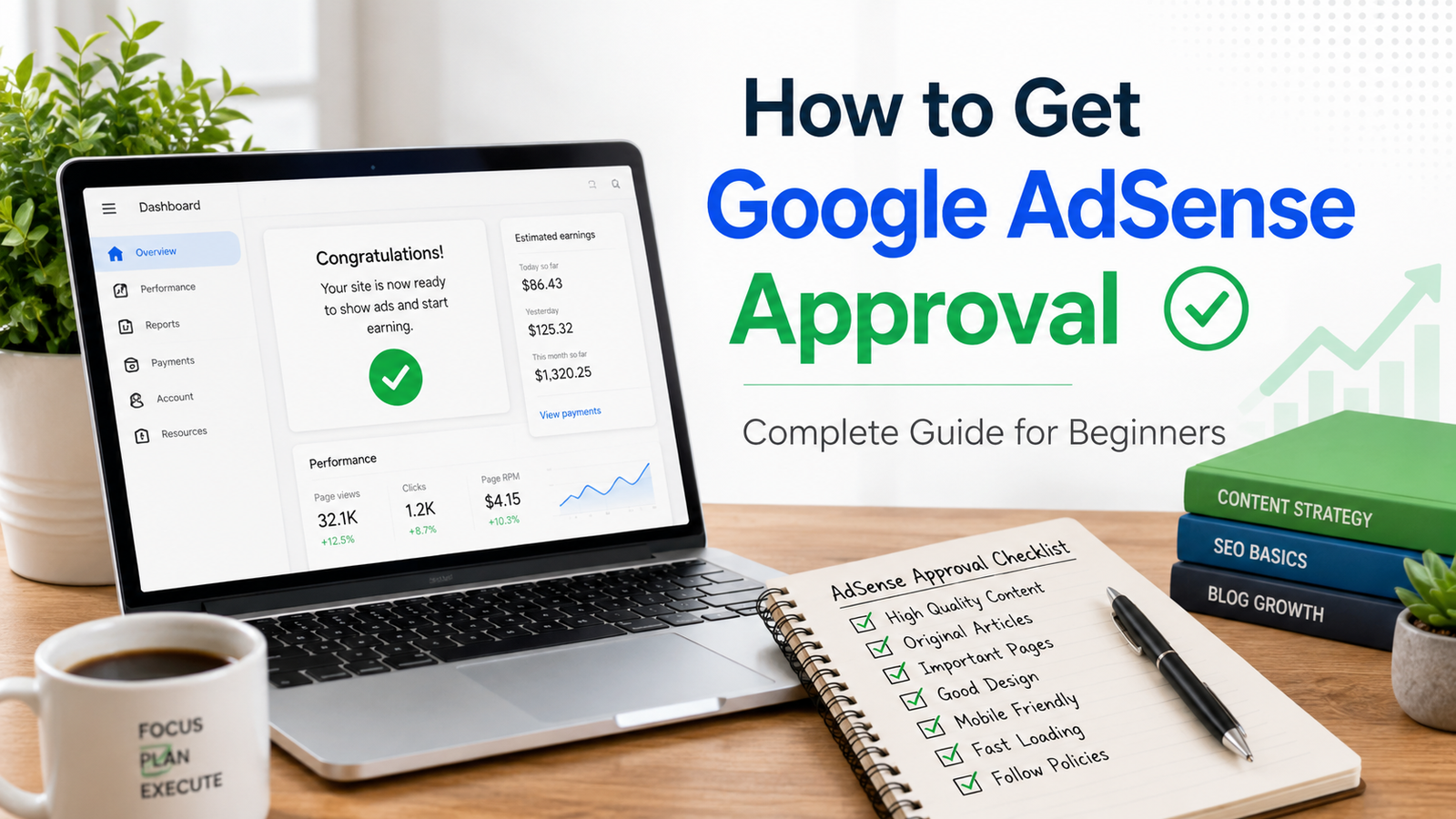
Google AdSense Approval Fast
Getting Google AdSense approval Fast is one of the first big goals for many bloggers, website owners, and online publishers. It feels exciting because AdSense can turn your website traffic into income. But for many beginners, approval is not as simple as creating a website, publishing a few posts, and applying.
Google wants to make sure your website is useful, original, easy to navigate, and safe for advertisers. That means your website should not look empty, copied, confusing, or made only for ads. The good news is that AdSense approval is not impossible. You just need to prepare your website properly before applying.
In this guide, you will learn the practical steps to get Google AdSense approval Fast, what your website should include, how much content you need, which pages are important, what mistakes to avoid, and what to do if your site gets rejected.
What Is Google AdSense?
Google AdSense is an advertising program that allows website owners to earn money by displaying ads on their websites. Once your site is approved, Google can show relevant ads to your visitors. When users view or interact with those ads, you may earn revenue depending on the ad type, niche, traffic location, and advertiser demand.
AdSense Action Button Instant Enable Trick Enable Without $10 Requirement
AdSense is popular because it is simple to use. You do not need to contact advertisers directly. Google manages the ad network, payments, and ad delivery. Your main job is to create helpful content and bring real visitors to your website.
However, Google does not approve every website. The platform has strict rules because advertisers want their ads to appear on quality websites. If your website has poor content, copied articles, broken pages, misleading navigation, or policy issues, approval becomes difficult.
Basic Requirements for AdSense Approval Fast
Before applying, your website should meet some basic conditions. First, you must have access to your website’s HTML or backend so you can place the AdSense code correctly. Your website should also contain original content that provides value to readers.
Your site must follow Google’s publisher policies. Avoid content related to illegal activities, adult material, copyrighted downloads, misleading claims, fake news, hacking, dangerous products, or anything that violates advertising rules.
Your website should also be easy to use. Visitors should be able to move from one page to another without confusion. Menus, categories, links, and important pages should work properly. A website with broken links or empty sections can look unfinished.
Create Original and Helpful Content
Content is the most important part of Google AdSense approval Fast. Google does not want websites that copy content from other sites or rewrite existing articles without adding value. Your content should solve a real problem, answer a real question, or provide useful information.
For example, if your website is about technology, do not just write generic articles like “What is a mobile phone?” Instead, write practical guides such as “How to Choose the Best Budget Smartphone for Students” or “Common Android Battery Problems and How to Fix Them.”
Your articles should be detailed, clear, and easy to read. Avoid publishing very short posts with only 200 or 300 words. A good article usually explains the topic properly, includes headings, examples, and helpful tips. For a new site, try to publish at least 20 to 30 high-quality articles before applying.
Choose a Clear Website Niche
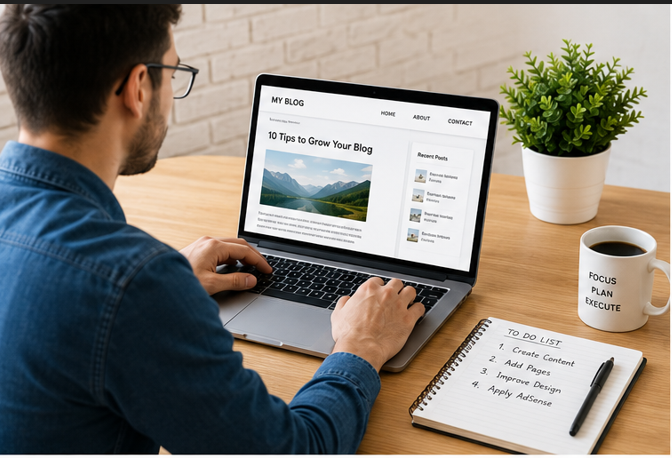
A focused website often has a better chance of approval than a random website with mixed topics. If your site has one article about health, another about movies, another about loans, and another about games, it may look confusing.
Choose a niche and build authority around it. Some good niches include technology, education, finance tips, travel guides, food recipes, home improvement, software tutorials, business, or lifestyle. The niche does not need to be unique, but your content should have your own angle and helpful information.
A clear niche also improves SEO because Google can understand what your website is about. When your content is organized around one topic, users spend more time on your site, which improves overall quality signals.
Add Important Pages to get Google AdSense Approval Fast
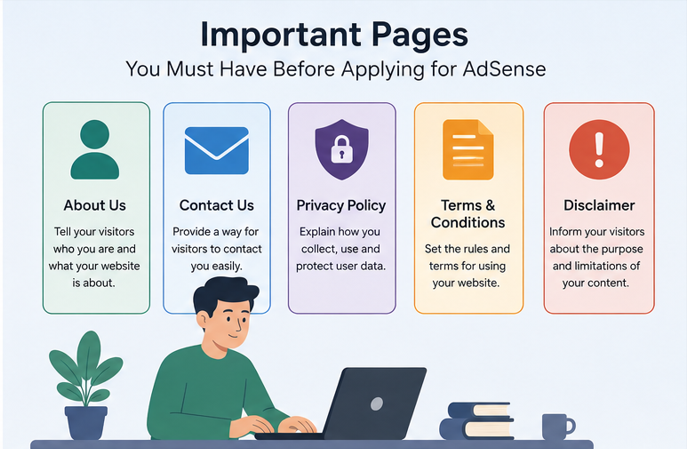
Many beginners forget to create important website pages before applying for AdSense. These pages help Google understand that your website is real, transparent, and trustworthy.
You should create these pages before applying:
About Us page: Explain who you are, what your website is about, and how your content helps readers.
Contact Us page: Add a contact form or email address so visitors can reach you.
Privacy Policy page: This is very important because your website may use cookies, analytics, and advertising services.
Terms and Conditions page: Explain the basic rules for using your website.
Disclaimer page: Especially important if you publish finance, health, legal, or educational content.
These pages do not need to be very long, but they should be clear and accessible from your main menu or footer.
Improve Website Design and Navigation
Your website design does not need to be expensive, but it must look clean and complete. Use a simple theme, readable fonts, proper spacing, and mobile-friendly layout. Most visitors now use mobile devices, so your site should work properly on phones and tablets.
Navigation should be simple. Add a main menu with important categories. Do not create empty categories with no posts. Avoid too many popups, auto-play videos, fake download buttons, or aggressive ads before approval.
Make sure every link works. If users click a menu item and land on a broken page, it creates a bad experience. Also, remove demo content from your theme. Many rejected websites still have sample pages, default text, or placeholder images, which makes the site look unfinished.
Use a Professional Domain
A custom domain looks more professional than a free subdomain. For example, “yourwebsite.com” looks better than “yourwebsite.blogspot.com” or “yourwebsite.wordpress.com.” While AdSense may work with some free platforms, a custom domain builds more trust and gives you better control.
Choose a domain that matches your niche. Avoid spammy names, confusing spellings, or domains that look like copied brands. Also, make sure your domain has clean history. If you buy an expired domain that was previously used for spam, it may create problems.
Make Your Website Indexable
Before applying for AdSense, your website should be visible to search engines. Check that your site is not blocking Google from crawling it. In WordPress, make sure the “Discourage search engines from indexing this site” option is not enabled.
Submit your website to Google Search Console. Add your sitemap and check if your important pages are indexed. Although Google AdSense approval Fast does not require huge traffic, having indexed pages shows that your site is accessible and properly structured.
Also check your robots.txt file. If your website blocks crawlers, Google may not be able to review your content properly.
Avoid Copyrighted and Low-Quality Images
Images can make your articles more attractive, but do not use copyrighted images from Google Images without permission. Use your own images, royalty-free images, or properly licensed visuals.
Every image should be relevant to the article. Add descriptive alt text for SEO. Do not overload your article with heavy images because slow loading can hurt user experience.
For AdSense approval, quality matters more than decoration. A clean article with useful screenshots or relevant graphics is better than a page filled with random stock photos.
Website Speed and Mobile Optimization
A slow website can damage user experience. Before applying for AdSense, test your website speed. Compress images, use a lightweight theme, remove unnecessary plugins, and enable caching if possible.
Mobile optimization is also very important. Your website should not have text that is too small, buttons that are hard to click, or pages that break on mobile screens. A simple responsive design is enough.
Google wants users to have a smooth experience. If your website is slow, messy, or difficult to use, it may reduce your chances of approval.
Common Reasons for AdSense Rejection
Many websites get rejected because they apply too early. The site may have only a few posts, thin content, missing pages, or poor navigation.
Another common reason is low-value content. This means the content does not provide enough original value. It may be copied, too short, automatically generated, poorly written, or already available on many other websites without any unique improvement.
Policy violations are also a major reason. Content related to piracy, adult topics, fake claims, illegal downloads, or harmful products can cause rejection.
Technical issues can also create problems. If your site is down, blocked by robots.txt, password-protected, or filled with broken links, Google may not approve it.
When Should You Apply for AdSense?
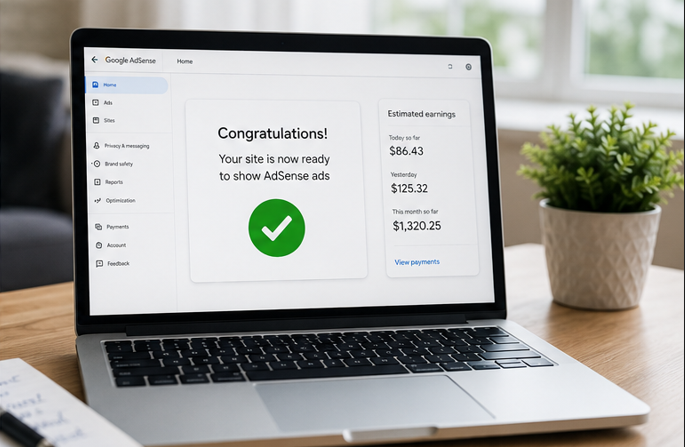
Do not apply on the first day of launching your website. Spend time building content and improving the user experience first.
A good time to apply is when your site has at least 20 to 30 quality articles, all important pages are ready, the design is clean, the site is indexed, and there are no broken links. Your website should feel complete, not under construction.
Traffic is helpful, but AdSense does not require a fixed public traffic number for every site. Still, having some organic visitors can improve your confidence because it shows your content is useful and discoverable.
What to Do After Applying
After applying, Google will review your website. During this time, do not make major changes that could break your site. Keep publishing helpful content and make sure your website stays live.
If you get approved, place ads carefully. Do not place too many ads above the content. Do not encourage users to click ads. Never click your own ads or ask friends to click them. Invalid clicks can lead to account suspension.
If you get rejected, do not panic. Read the reason carefully, improve your site, and apply again after fixing the issues. Many successful publishers were rejected the first time.
Final AdSense Approval Checklist
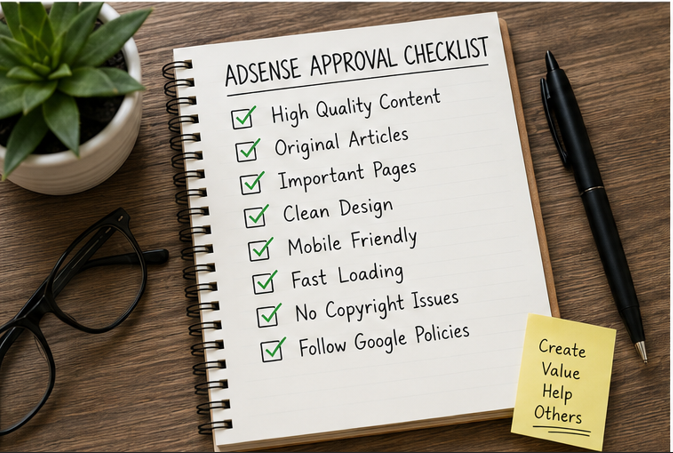
Before applying, check these points:
Your website has original and helpful content.
You have published enough detailed articles.
Your website has About, Contact, Privacy Policy, Terms, and Disclaimer pages.
Your design is clean and mobile-friendly.
Your navigation is simple and all links work.
Your website is indexed or ready for indexing.
Your content follows Google policies.
You are not using copied text or copyrighted images.
Your website does not look under construction.
Your site loads properly on desktop and mobile.
Conclusion for Google AdSense Approval Fast
Google AdSense approval Fast is not about shortcuts. It is about building a website that is useful, trustworthy, and ready for real visitors. If your content is original, your design is clean, your pages are complete, and your site follows Google policies, your chances of approval become much stronger.
Think of Google AdSense approval Fast as a quality test. Before asking Google to approve your website, ask yourself: Would a real visitor trust this site? Would they find helpful information here? Is the website easy to use? If the answer is yes, you are on the right path.
Prepare your website properly, avoid copied content, follow the rules, and apply only when your site looks complete. That is the safest and most professional way to get Google AdSense approval Fast.