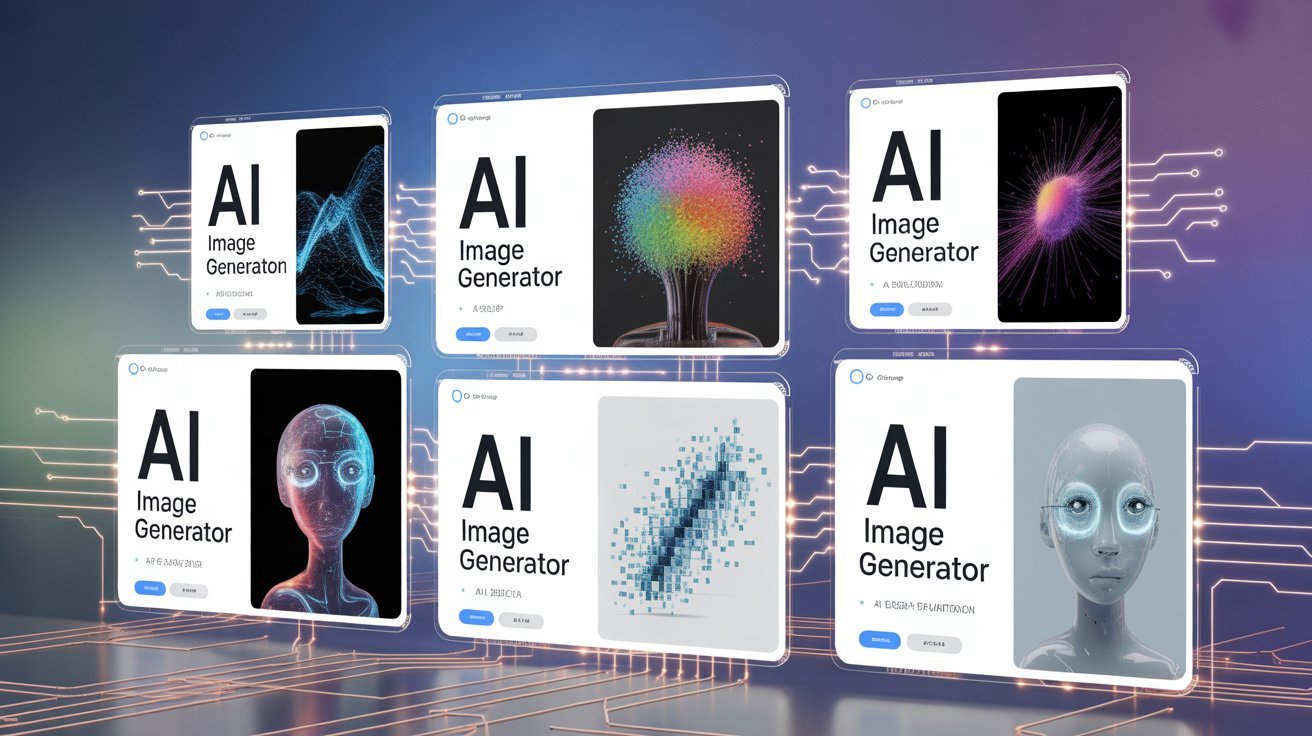
Artificial Intelligence has taken the creative world by storm. Whether you are a designer, marketer, developer, or content creator, AI image generator Tools are now essential tools. They can create realistic photos, digital art, product visuals, logos, posters, thumbnails, and even entire scenes in seconds.
In this detailed review, we break down the top AI image generator tools, compare their features, pricing, pros, cons, and help you pick the right one based on your needs.
What Are AI Image Generator Tools?
AI image generators use advanced machine-learning models such as diffusion models, GANs, and transformers to convert prompts (text inputs) into images.
For example:
“Create a futuristic city floating above the ocean at sunset.”
Within seconds, the AI tool generates stunning visuals based on your description.
Why Are AI Image Generators So Popular in 2025?
Here are the major reasons:
- Fast content creation: Images created in seconds, not hours.
- Cost-effective: No need to hire designers for basic visuals.
- Creative freedom: You can generate any style—realistic, cartoon, 3D, anime.
- High quality: Today’s models are extremely accurate and professional.
- Unlimited customization: Multiple variations, editing options, and upscaling.
5 Best AI Tools That Create Human-Written Articles (2025 Guide)
Top AI Image Generator Tools Reviewed (2025)
Below is the detailed review of the 6 best image generator tools based on quality, accuracy, speed, features, and pricing.
1. Midjourney – Best for Artistic & Ultra-Realistic Images
Overview
Midjourney is one of the most popular AI image generation tools known for its high-quality, hyper-realistic artistic images. From portraits to posters, it delivers detailed textures and stunning visuals.
Key Features
- Ultra-realistic and artistic styles
- Creative lighting, shadows & textures
- High-resolution upscaling
- Variation & remix mode
- Best for thumbnails, posters, digital art, and concept designs
Pros
- Stunning output quality
- Highly creative and detailed
- Great for professional designers
Cons
- Not beginner-friendly
- Requires Discord (unless using website version)
Best For
Creators who want premium artistic visuals.
What Is Nano Banana Pro? Full Guide to Google’s New AI Tool
2. OpenAI DALL·E 4 – Best for Real-Life Accuracy
Overview
DALL·E 4 is known for its extremely accurate, natural-looking images. It understands complicated prompts better than most tools and keeps objects consistent.
Key Features
- Photorealistic images
- Strong understanding of human anatomy (faces, hands)
- Image editing (remove/replace objects)
- Style transformation (cartoon, 3D, clay, magazine style)
- Best for marketing visuals & product showcases
Pros
- Very accurate & realistic
- Best at fixing complicated details
- Easy for beginners
Cons
- Image styles are sometimes limited
- Slower than some alternatives
Best For
Marketers, educators, agencies, bloggers.
3. Adobe Firefly – Best for Branding & Professional Use
Overview
Adobe Firefly integrates directly into Photoshop and Illustrator, making it the best tool for professionals who need editable AI-generated images.
Key Features
- Perfect for banners, logos & marketing designs
- Inpainting & outpainting
- Text-to-vector generation
- Tight integration with Adobe Creative Cloud
Pros
- Precise control
- Ideal for brand-safe content
- Very stable
Cons
- Requires Adobe subscription
- Slower updates than other AI tools
Best For
Designers, brands, digital marketing teams.
4. Leonardo AI – Best for Game Assets & 3D Models
Overview
Leonardo AI is a powerful tool for game developers, providing custom character models, textures, and 3D-style images.
Key Features
- Character modeling
- Anime & comic styles
- Texture creation for games
- Training your own image style
Pros
- Great for game studios
- Lots of customization
- Community models
Cons
- Can be complex
- Outputs vary based on model
Best For
Game developers, anime creators, NFT designers.
5. Bing Image Creator – Best Free AI Image Generator Tools
Overview
Powered by OpenAI technology, Bing Image Creator is one of the best free tools that still offers high-quality generation.
Key Features
- Completely free
- Great for beginners
- Simple prompt-based system
Pros
- Free to use
- Fast generations
- Good for general images
Cons
- Not as detailed as Midjourney
- Limited customization
Best For
Students, beginners, bloggers on a budget.
6. Canva AI Image Generator Tools– Best for Social Media Creators
Overview
If you create content for social media, Canva’s AI image generator is perfect because it integrates directly with Canva’s templates and editing tools.
Key Features
- Text-to-image inside Canva
- Templates for ads, reels, thumbnails
- Magic Edit and Magic Expand
- Beginner-friendly interface
Pros
- One-click editing
- Perfect for social media
- Fast results
Cons
- Limited realistic output
- Best for basic visuals only
Best For
Instagram, YouTube, TikTok, small businesses.
Comparison Table: Best AI Image Generator Tools (2025)
| Tool | Best For | Quality | Price | Difficulty |
|---|---|---|---|---|
| Midjourney | Art, realism | ⭐⭐⭐⭐⭐ | Paid | Hard |
| DALL·E 4 | Realistic photos | ⭐⭐⭐⭐⭐ | Paid | Easy |
| Firefly | Professional design | ⭐⭐⭐⭐ | Paid | Medium |
| Leonardo | Game assets | ⭐⭐⭐⭐ | Paid | Medium |
| Bing | Free images | ⭐⭐⭐⭐ | Free | Easy |
| Canva AI | Social content | ⭐⭐⭐⭐ | Freemium | Very Easy |
How to Choose the Best AI Image Generator?
Before you pick a tool, consider:
1. What type of images do you need?
- Realistic: DALL·E 4
- Artistic: Midjourney
- Social Media: Canva
- Game Art: Leonardo
- Professional Ads: Firefly
2. What is your budget?
- Free options: Bing, Canva (basic)
- Paid but worth it: Midjourney, DALL·E, Firefly
3. How much control do you want?
- High control → Firefly, Leonardo
- Simple and quick → Canva, Bing
Final Verdict: Best AI Image Generator in 2025
If we compare quality, accuracy, speed, and creativity, then:
- Best Overall Quality: Midjourney
- Best Real-Life Accuracy: DALL·E 4
- Best Professional Editing: Adobe Firefly
- Best Free Option: Bing Image Creator
- Best for Social Media: Canva AI
- Best for Games/Anime: Leonardo AI
Each tool has its strengths, so the perfect choice depends on your use case.